Just like a warrior is only good as his weapon is, same way a gamer is also only good as his laptop is. So that’s why, gaming laptop become the most wanted gadget for every serious gamer peoples in India. To choosing the ideal gaming laptop is very challenging task because every individual having different requirements and the preferences also.
Based on our testing’s of more than 12 different gaming laptops under the ₹1.5 lakh budgets, I can say with full confidence that these laptops are excellent for delivering the smooth gaming performance, and you will really feel the difference in frame rates and also in thermal management only after few gaming sessions itself.
But, you should be aware about the marketing manipulations done by the brands which can easily distract you from selecting the best gaming laptop as per your needs. The most common manipulation what they do is with the GPU wattage (TGP), which is directly deciding the real-world gaming performance, and also they do overstating of battery life numbers and the display quality claims also.
In this guide, you will get to know about the top seven models from all which we have tested. Every laptop is delivering strong gaming performance, but not each and every model is suitable for every situations. Keep on reading to find out which one is suiting you the best.
Overview of the Gaming Laptops under 1.5 Lakh We Tested
| Model | GPU | Processor | Display | Pros | Cons |
| ASUS TUF F16 | RTX 5060 8GB GDDR7 | i7-14650HX | 16″ FHD+ 165Hz | – Excellent thermals with dedicated cooling solution – MIL-STD-810H durability – Strong gaming performance | – FHD+ resolution, not QHD – Slightly above 1.5 lakh |
| HP Omen 16 | RTX 5060 8GB GDDR6 | i7-14650HX | 16″ 2K 165Hz | – Sharp 2K display with 400 nits brightness – 83 Wh battery with fast charge – DTS:X Ultra audio | – Priced slightly above 1.5 lakh – Loud cooling fan |
| Lenovo Legion 5 | RTX 5050 8GB GDDR7 | Ryzen 7 260 | 16″ WUXGA 165Hz | – Excellent build quality with MIL-STD-810H – Dolby Vision and G-Sync support – 80 Wh battery with rapid charge | – Only 16GB RAM – 300 nits brightness |
| Lenovo LOQ | RTX 5060 8GB GDDR7 | Ryzen 7 250 | 15.6″ FHD 144Hz | – Best value for money – 24GB RAM out of the box – RTX 5060 at lowest price | – FHD 144Hz display – 60 Wh battery |
| MSI Katana 15 | RTX 5050 8GB GDDR7 | i7-14650HX | 15″ QHD 165Hz | – QHD display at competitive price – Cooler Boost 5 cooling – 4-zone RGB keyboard | – Only 512GB SSD – No Thunderbolt |
| Alienware 16 Aurora | RTX 4050 6GB GDDR6 | Core 7 240H | 16″ WQXGA 120Hz | – Premium build and design – 96 Wh battery – WQXGA resolution | – Older RTX 4050 GPU – Only 120Hz refresh rate |
| Dell G15-5530 | RTX 3050 6GB GDDR6 | i5-13450HX | 15.6″ FHD 120Hz | – Very budget friendly at ₹84,990 – Decent for entry-level gaming | – Older generation GPU and processor – 56 Wh battery – 250 nits display |
List of Best Gaming Laptops Under ₹1.5 Lakh – RTX 5060, 5050 & 4050 models
For testing the gaming laptops, we are following many steps which is helping us to evaluate and giving rating in proper way. These steps is covering the GPU and CPU benchmark performance, the thermal handling when load is running for long time, display quality checking, battery backup, build of the body, fan noise level, and also we doing real gaming test on different different game titles.
Other than this, we also looking into upgrade scope, available ports, extra software bloatware which company is preinstalling, warranty conditions, and the long term value for money. Like for example, some gaming laptops such as Lenovo LOQ and Legion 5, they are giving dual RAM slot and dual SSD slot also, so user can easily do upgrade later without much problem.
Each and every laptop which we are featuring in this guide, all are going through the same testing process only, which is making sure the evaluation is staying consistent and accurate, mainly when we are doing comparison between one model to another model.
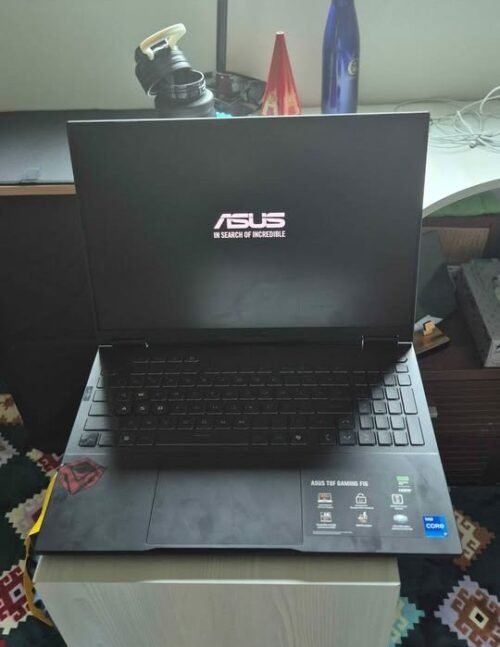
01. ASUS TUF F16 Core i7 14650HX with RTX 5060
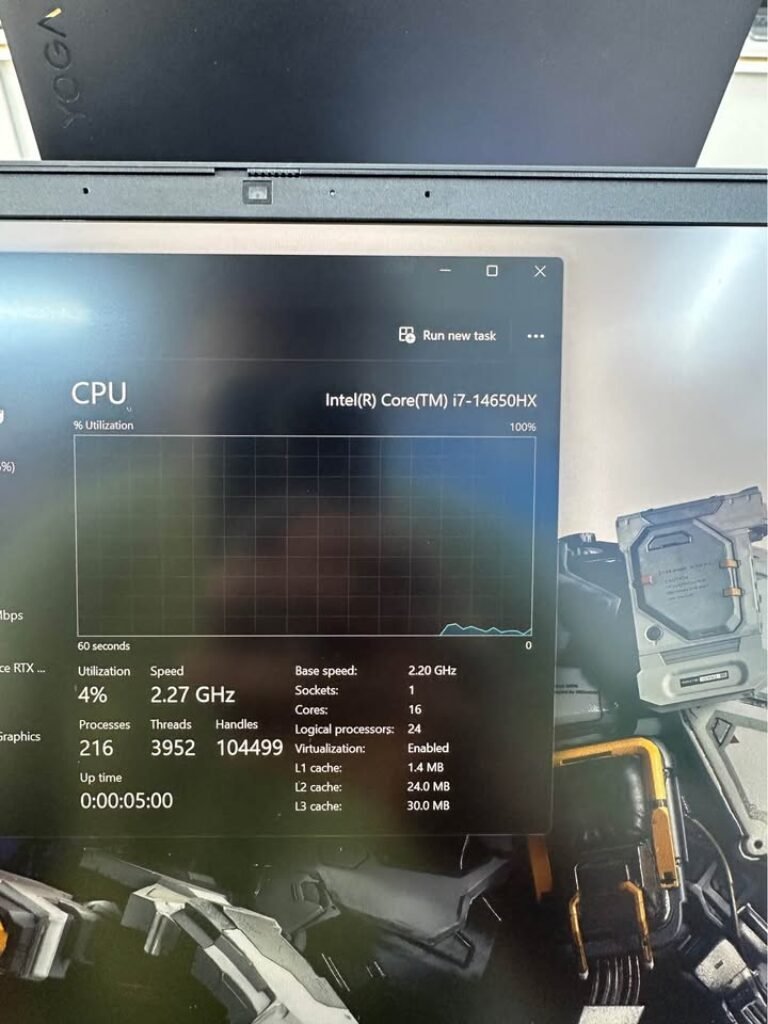
If you are serious for gaming and ready to spend little extra, then ASUS TUF F16 is the best option which we are recommending. This laptop is having Intel Core i7-14650HX processor with 16 cores and 24 threads, and the GPU is NVIDIA RTX 5060 with 115W TGP. As I told earlier, the MIL-STD-810H certification makes it a strong companion for daily travel and commute purpose.
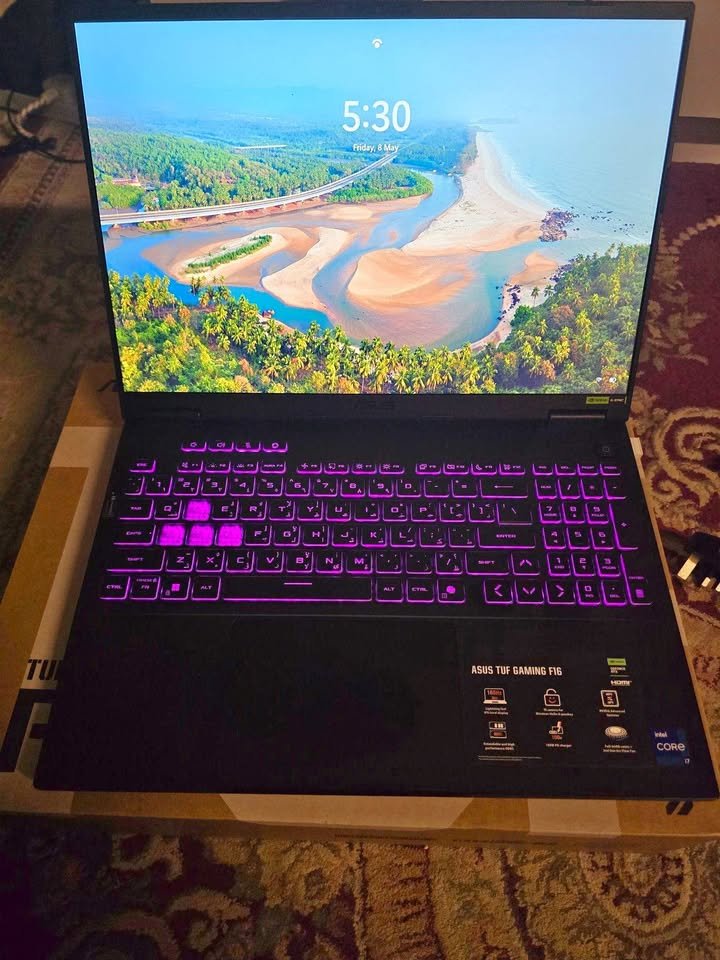
It is coming with 16-inch FHD+ display that runs on 165Hz. The display is having 16:10 aspect ratio, which gives extra vertical space, this is very useful when you are browsing or doing office work. The 100% sRGB colour coverage make sure the colours are accurate, which is also a bonus point for content creators who do gaming also.
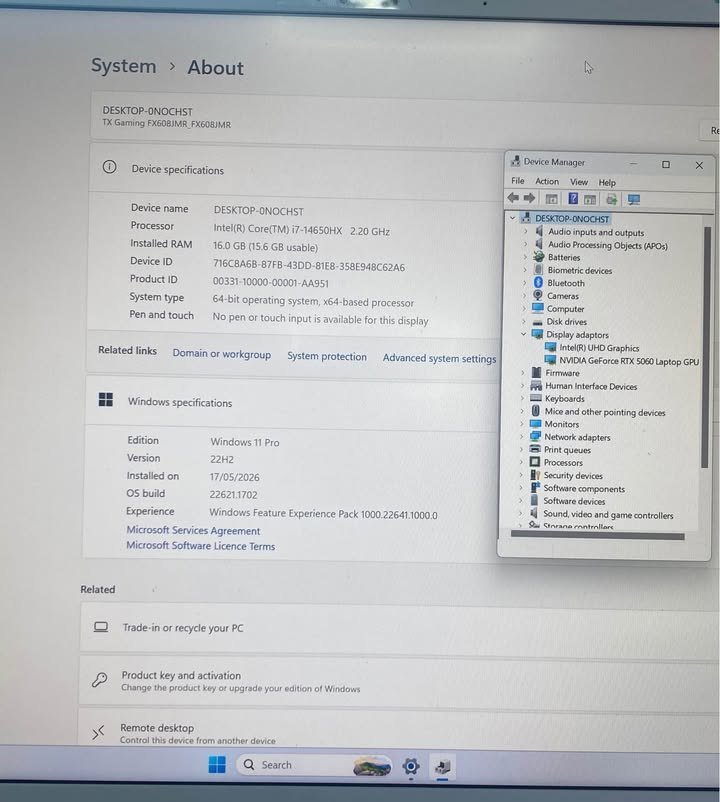
Overall performance of this laptop is excellent. Its RTX 5060 GPU handle the heavy titles without any sweat. In many gaming laptops, we have to reduce the graphics setting to medium for avoiding the thermal throttling and stuttering issue. But in ASUS TUF F16, this thing is minimal, only condition is you should keep the laptop on flat and well-ventilated surface.
Same like all our gaming tests, the first title which we benchmark is Cyberpunk 2077. I loaded the game on Ultra setting with ray tracing on medium and DLSS turned on. The laptop maintained steady 65-70 FPS in the whole busy districts of Night City.
After 7 minutes, I checked the thermals and found that CPU is already stabilized around 85°C. I got little worried that it may throttle in long sessions, so I changed the performance mode to Turbo from Armoury Crate software and let it run for 30 more minutes.
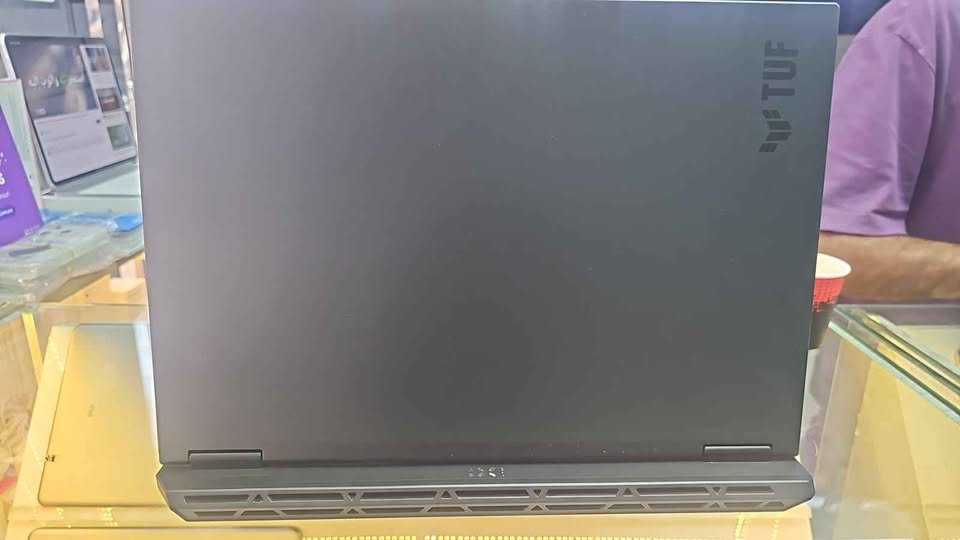
After 30 minutes, the frame rates was consistent and the keyboard area was warm but not uncomfortable for hand. I know some users will think 85°C is high, but for a gaming laptop under heavy load, this is well inside the safe limit.
I was really impressed how nicely the ASUS TUF handled the demanding titles, in less than one minute the system reached full performance and was giving stable frames without doing any manual tweaking. Also, I did not preheat the laptop by running light tasks first, but still it performed consistent from cold boot only, this proves that the cooling system is really doing its job from the starting itself.
Specs: ASUS TUF F16
| Specification | Details |
| Processor | Intel Core i7-14650HX (16C/24T, up to 5.2GHz) |
| GPU | NVIDIA GeForce RTX 5060 8GB GDDR7 (115W TGP) |
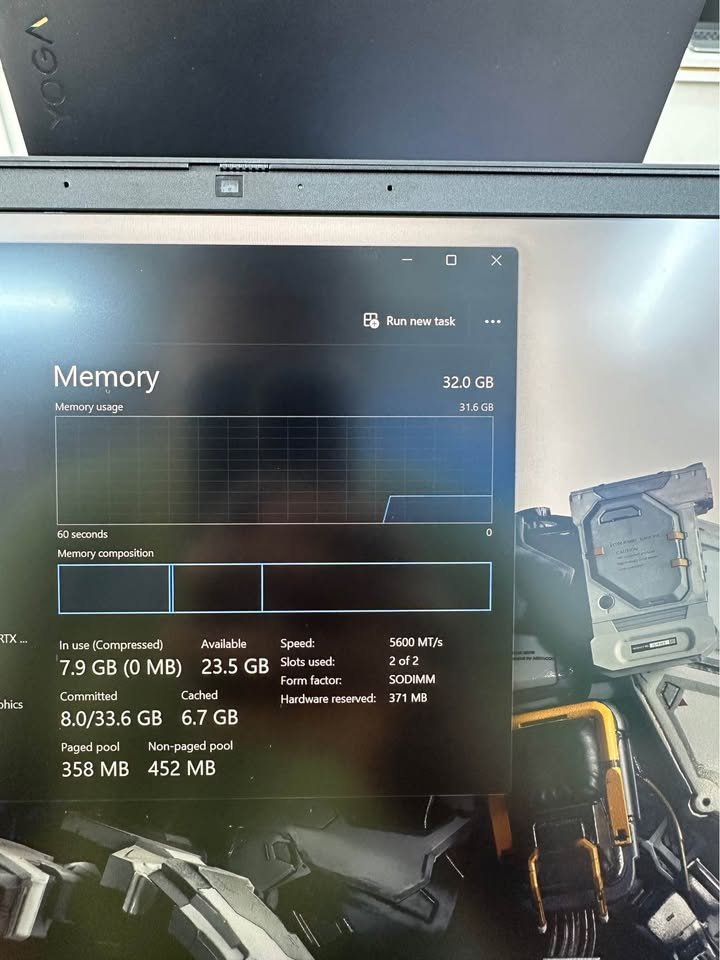
| RAM | 16GB DDR5-5600 (upgradeable to 64GB) |
| Storage | 1TB SSD |
| Display | 16″ FHD+ WUXGA (1920×1200) LED, 165Hz, 300 nits |
| Battery | 90Whr |
| Weight | 2.2 kg |
| OS | Windows 11 Home + MS Office Home 2024 |
| Performance Rating | 9.6/10 |
| Value Rating | 8.9/10 |
02. HP Omen 16 Core i7-14650HX with RTX 5050
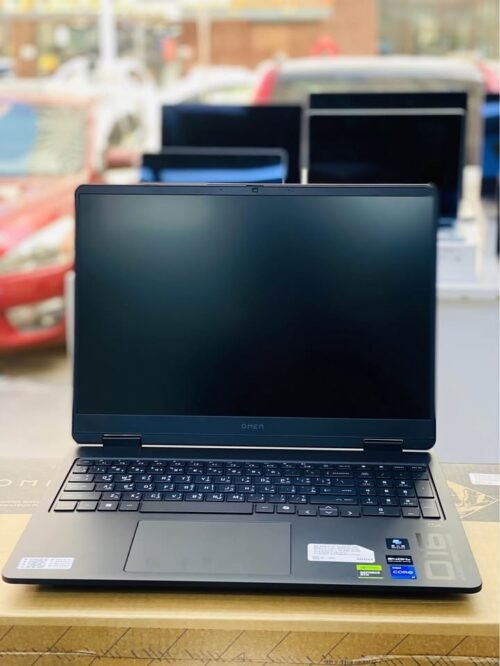
The HP Omen 16 is one of the best gaming laptops for peoples who give priority to display quality, all thanks to it’s 2K WUXGA panel having 400 nits brightness. Means, it can render the games with sharper details and better visibility even when room is brightly lit.
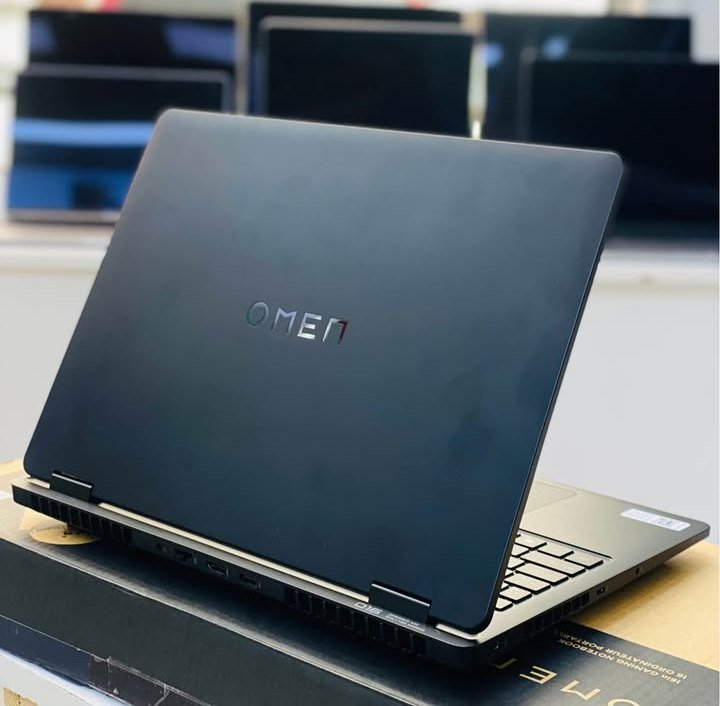
This laptop is having powerful Intel Core i7-14650HX processor with RTX 5060 of 8GB GDDR6 memory. Three main distinguishing aspects of this laptop are the 2K display which is offering significantly sharper visuals than FHD+ options, the 83 Wh battery with rapid charging facility, and the DTS:X Ultra audio system also.
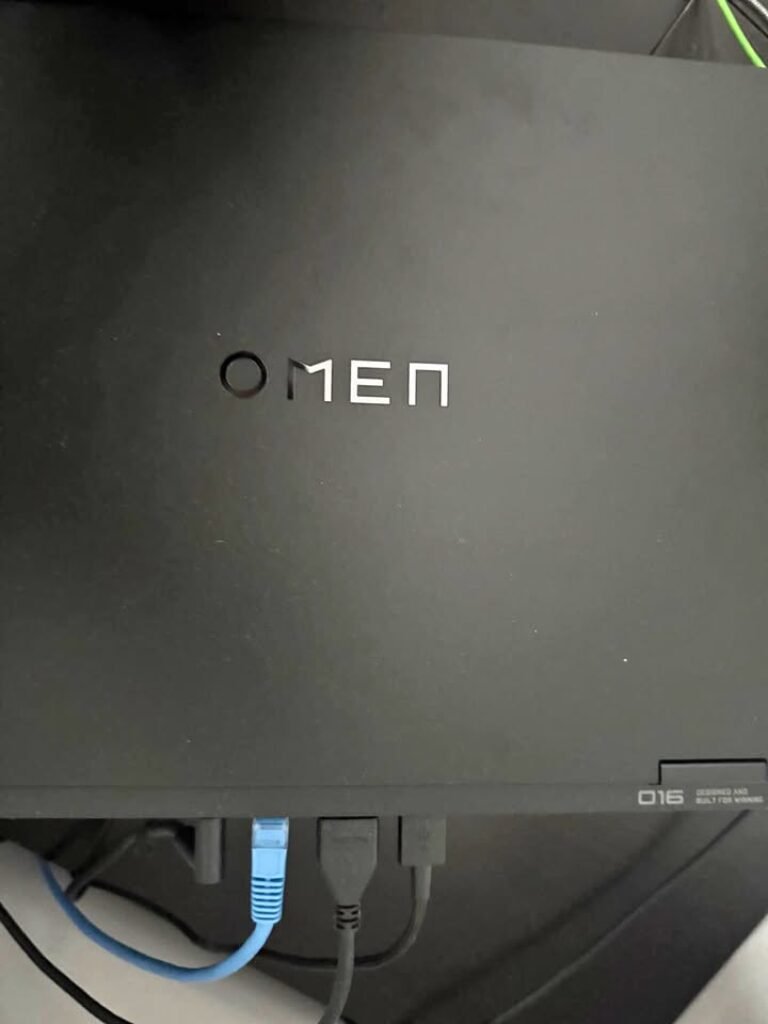
The laptop is coming with 8 USB and display ports total. I did set the graphics initially on Ultra with DLSS kept on Quality and launched several demanding titles. Just like previous option, this laptop is also quick for reaching peak performance and can render the games without significant frame drops during action-heavy sequences.
I decided for checking the thermals at 10 minute mark and I am glad I did, because CPU was already running at 87°C under sustained load condition. So I adjusted the fan curve by using HP Omen Gaming Hub software to one more aggressive profile.
After another 20 minutes of playing Cyberpunk 2077, the frame rates got stabilized at 55-60 FPS on 2K resolution with ray tracing kept on medium. The visuals were noticeably more sharper than on FHD+ laptops, with textures and distant objects also appearing more detailed and less muddy looking.
Now I should not have been surprised because 2K resolution really do demand more from the GPU and can bring down frame rates. That much is expected only. But for competitive shooters like Valorant, the extra sharpness at 2K was not so much noticeable at high frame rates.
So I tried for dropping to FHD resolution to see if frame rates will improve significantly or not. The display handled this downscaling quite well with very minimal blurriness.
But at native 2K, the visual improvement in story-driven games was really substantial one. The 2K display really do show it’s advantage here, there is no shortcuts in this matter.
Instead of that, I decided for testing one different scenario. I selected Forza Horizon 5 with Ultra settings, then pushed render resolution to native 2K and set DLSS to Performance mode.
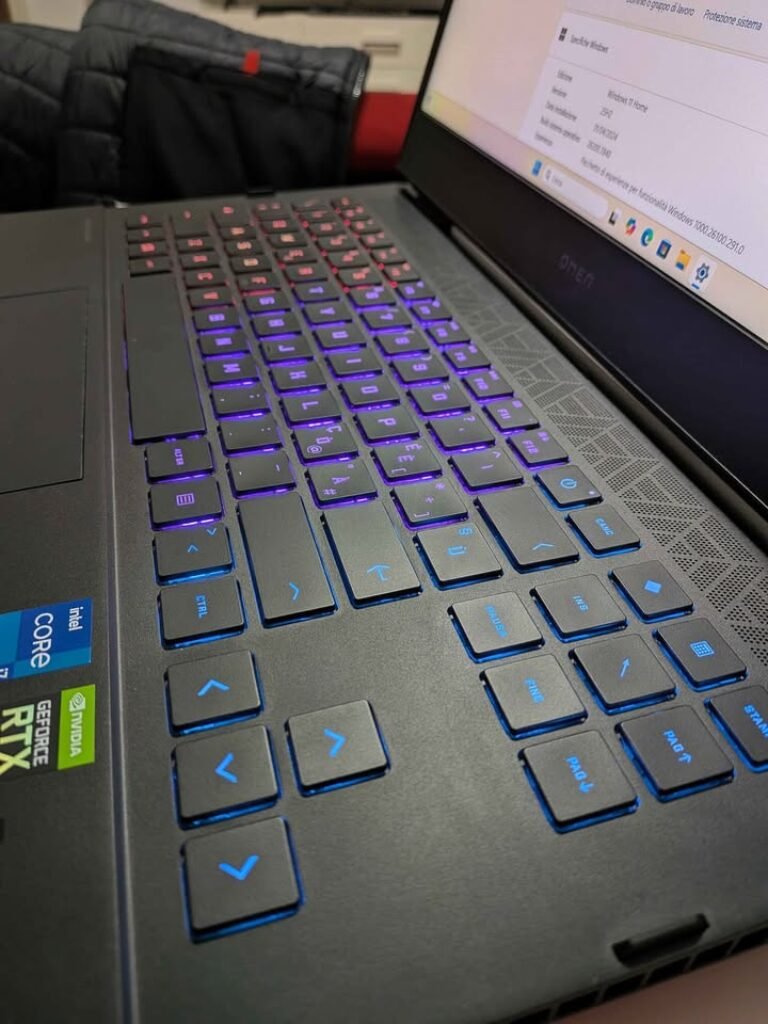
This is working beautifully. After letting the game run through several biomes and different weather conditions, I got smooth 70-75 FPS experience with stunning visuals that was looking significantly better than on FHD+ panels. The colours are not staying uniform across all viewing angles, so this really is the case of sitting directly in front for getting best experience, but the 400 nits brightness and 100% sRGB is making the most vibrant scenes look stunning, and display really do give them one amazing clarity.
Specs: HP Omen 16
| Specification | Details |
| Processor | Intel Core i7-14650HX (16C/24T, up to 5.2GHz) |
| GPU | NVIDIA GeForce RTX 5060 8GB GDDR6 |
| RAM | 24GB DDR5-5600 |
| Storage | 1TB PCIe Gen4 NVMe SSD |
| Display | 16″ 2K WUXGA (1920×1200) IPS, 165Hz, 400 nits, 100% sRGB |
| Battery | 83Whr (fast charge: 50% in 30 min) |
| Weight | 2.43 kg |
| OS | Windows 11 Home + MS Office Home 2024 |
| Performance Rating | 9.7/10 |
| Value Rating | 9.3/10 |
03. Lenovo Legion 5 AMD Ryzen 7 260 with NVIDIA RTX 5050
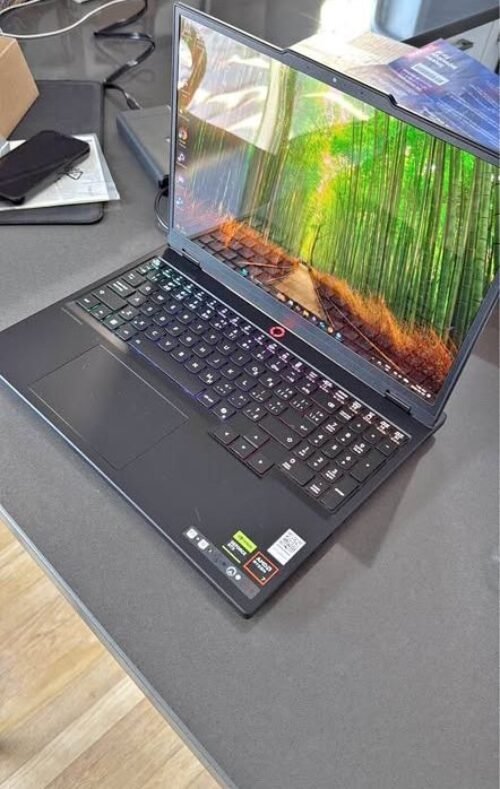
The Lenovo Legion 5 is comes with AMD Ryzen 7 260 processor, having 8 cores and 16 threads, and it can boost up to 5.1 GHz. The GPU side is handled by the NVIDIA RTX 5050 with 115W TGP. The Legion 5 also packs a slightly bigger 80 Wh battery. Other than this, it is having Dolby Vision support, G-Sync and HARMAN-tuned speakers also. Because it is a Legion-series machine, you are getting the advantage of Lenovo’s well-known cooling solution which is called Legion Coldfront, with turbo fans and 3D heat pipes inside. You can switch between the performance modes by using Fn+Q shortcut for quick changes.
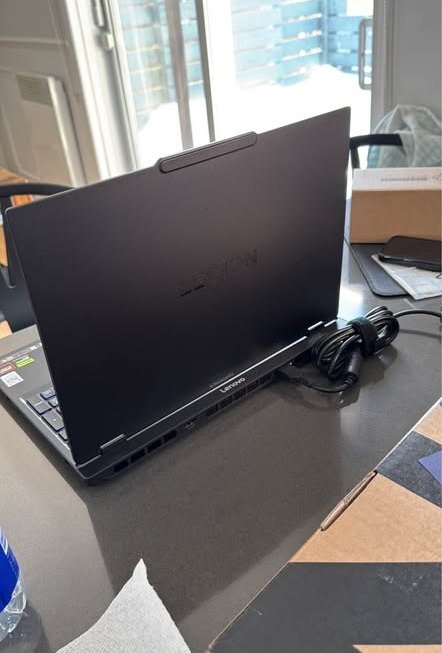
The display part is a 16-inch WUXGA (1920×1200) IPS panel with 165Hz refresh rate and 100% sRGB coverage, so even the display quality is more than enough for gaming and some casual content creation work also.
The RTX 5050 with 115W TGP is not fully matching the RTX 5060 in raw frame numbers — some of the higher-tier laptops do give that extra GPU power — but still it is powerful enough to run most of the AAA titles on High settings without much issue, so personally I didn’t feel this as a big drawback.
The keyboard is also comfortable enough that one can do gaming for many hours continuously. Unlike other options in market, the Legion 5 is having white backlit keyboard, and the port selection is one of the best in this segment with USB4, USB-C with PD charging and HDMI 2.1 also.
I used the in-built performance optimiser which worked nicely, but since my games were graphically heavy, I did one manual GPU overclock of 100 MHz to squeeze some extra frames out. After doing this, the performance became solid, gameplay was really smooth and colour reproduction on display was also good.
One downside of this laptop is, it is not having an automatic game-detection profile switcher, so user have to manually select the performance mode before launching the demanding titles, so that the cooling can ramp up properly.
The gaming performance is excellent for the titles like Valorant, CS2, Forza Horizon 5 and similar ones. But, when I tried running Cyberpunk 2077 on Ultra with ray tracing on, it is going down below 50 FPS on native resolution.
The after-sales service of Lenovo Legion is also quite fast, with 1 year onsite support plus accidental damage protection included in the box.
Specs: Lenovo Legion 5
| Specification | Details |
| Processor | AMD Ryzen 7 260 (8C/16T, up to 5.1GHz) |
| GPU | NVIDIA GeForce RTX 5050 8GB GDDR7 (115W TGP) |
| RAM | 16GB DDR5-5600 (upgradeable to 32GB) |
| Storage | 1TB PCIe 4.0 NVMe SSD |
| Display | 16″ WUXGA (1920×1200) IPS, 165Hz, Dolby Vision, G-Sync, 300 nits |
| Battery | 80Whr (0–70% in 30 min) |
| Weight | 2.1 kg |
| OS | Windows 11 Home + MS Office Home 2024 |
| Performance Rating | 9.5/10 |
| Value Rating | 9.4/10 |
04. Lenovo LOQ AMD Ryzen 7 250 with RTX 5060
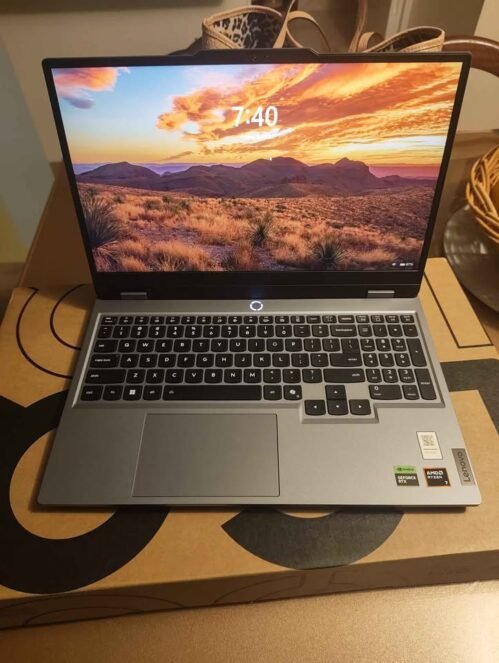
This laptop is coming with RTX 5060 8GB GDDR7 GPU, and 24GB DDR5 RAM from factory itself, so Lenovo LOQ is one of best budget-friendly option which we are recommending.
It having Lenovo AI Engine+ for doing performance optimization in automatic way. The engine is using scenario detection inside Balance mode for adjusting CPU, GPU and system settings dynamically. Optimization is working fairly nice and giving noticeable frame rate boost in most of games.
Unlike premium gaming laptops which is coming with QHD display and higher refresh rate, the LOQ is keeping the cost down by giving FHD 144Hz panel only. But under the hood, there is lot more value in the specifications.
RAM configuration of 24GB DDR5-5600 is quite generous, and laptop is also supporting upto 32GB. Dual M.2 SSD slot is also there, because of this even storage can be expanded in big way.
This laptop is not having that premium build quality like Legion series is having – some other expensive brands are offering this – but for daily use it is sturdy enough, so I am not feeling this as a dealbreaker.
Display is also adequate type, you can do FHD gaming without putting strain on your eyes. Unlike other options, LOQ is having more understated Luna Grey color design which is not screaming “gaming laptop” when you using in professional setting.
I was using default AI-optimized setting which worked nicely, but because my test titles were demanding type, I did push the performance mode to max by pressing Fn+Q. After doing this, frame rates were impressive, 1080p gameplay was very smooth and thermal management also good.
One downside of this laptop is, it is not having high-refresh QHD display, so you have to settle on FHD visuals only if you wanting to keep high frame rates.
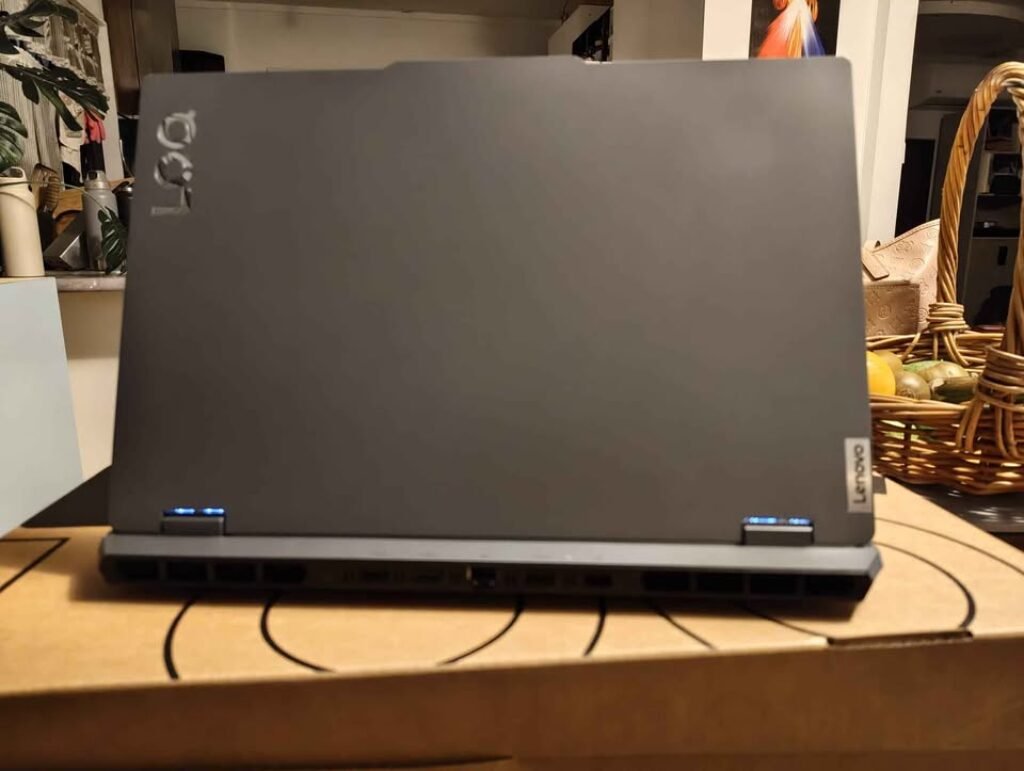
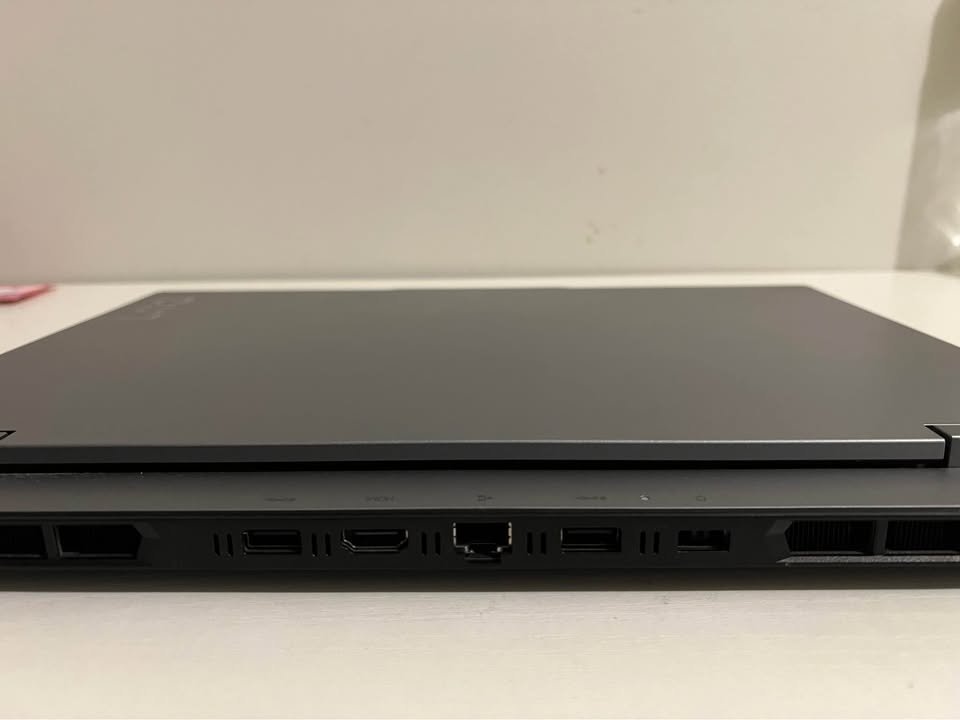
Gaming performance is solid for most of titles on High to Ultra setting at 1080p. But, when you pushing Ultra setting in graphically heavy games, the 60 Wh battery is draining in under 2 hours only.
After-sales service of Lenovo is also fairly prompt one.
Specs: Lenovo LOQ 15
| Specification | Details |
| Processor | AMD Ryzen 7 250 (8C/16T, up to 5.1GHz) |
| GPU | NVIDIA GeForce RTX 5060 8GB GDDR7 |
| RAM | 24GB DDR5-5600 (1 slot used, upgradeable to 32GB) |
| Storage | 1TB PCIe 4.0 NVMe SSD |
| Display | 15.6″ FHD (1920×1080) IPS, 144Hz, 100% sRGB, 300 nits |
| Battery | 60Whr |
| Weight | 2.4 kg |
| OS | Windows 11 Home |
| Performance Rating | 9.6/10 |
| Value Rating | 9.8/10 |
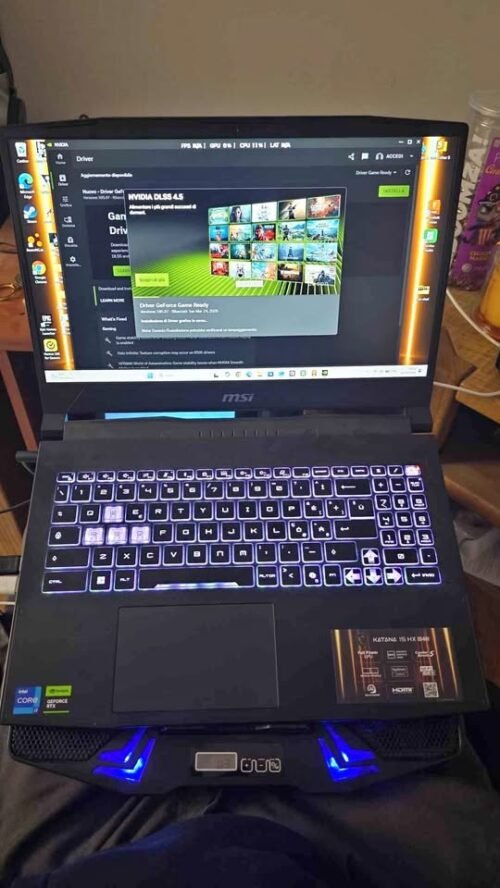
05. MSI Katana 15 Core i7-14650HX with RTX 5050
MSI Katana 15 is mostly similar to other options in this list when we talk about processor. It is coming with Intel Core i7-14650HX and RTX 5050 8GB GDDR7 GPU. The GPU is one tier lower than RTX 5060, but still you are getting very good 1440p gaming on medium to high settings. One important point, this laptop is having only 512GB SSD which is filling up very fast with today’s AAA games.
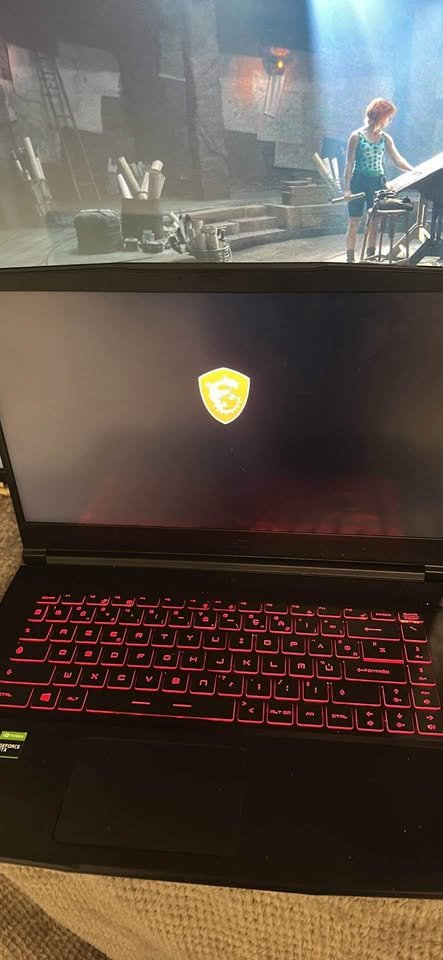
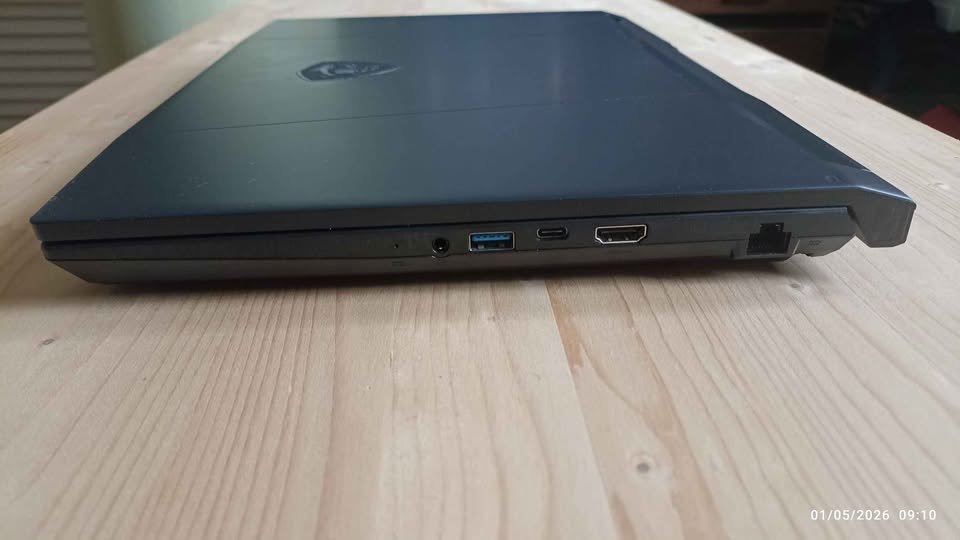
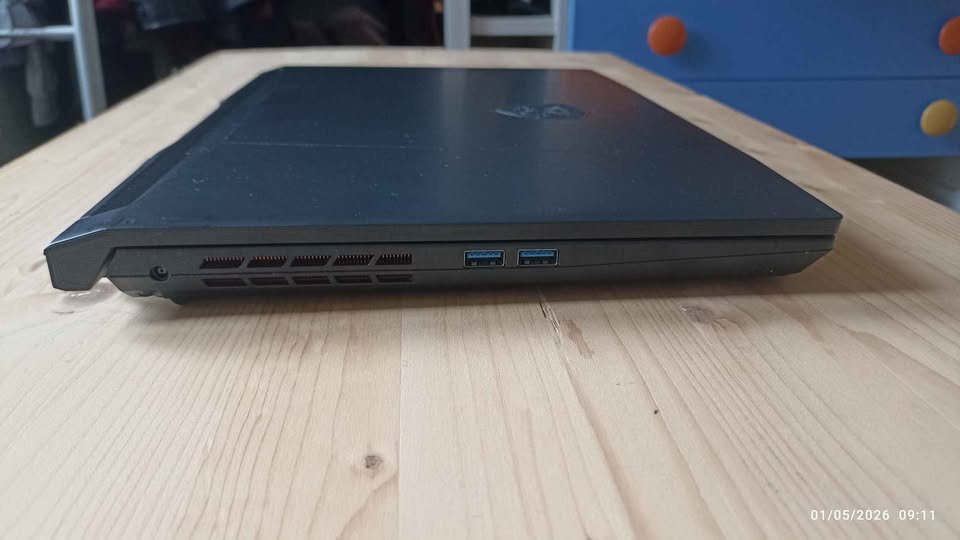
One thing to notice here, unlike previous laptops in the list, this one is giving QHD (2560×1440) display under ₹1.15 lakh price. MSI Center software is there which giving rough performance guide. But other than that, you have to do everything yourself for optimizing game settings on the QHD panel, and online guides you will have to follow as reference.
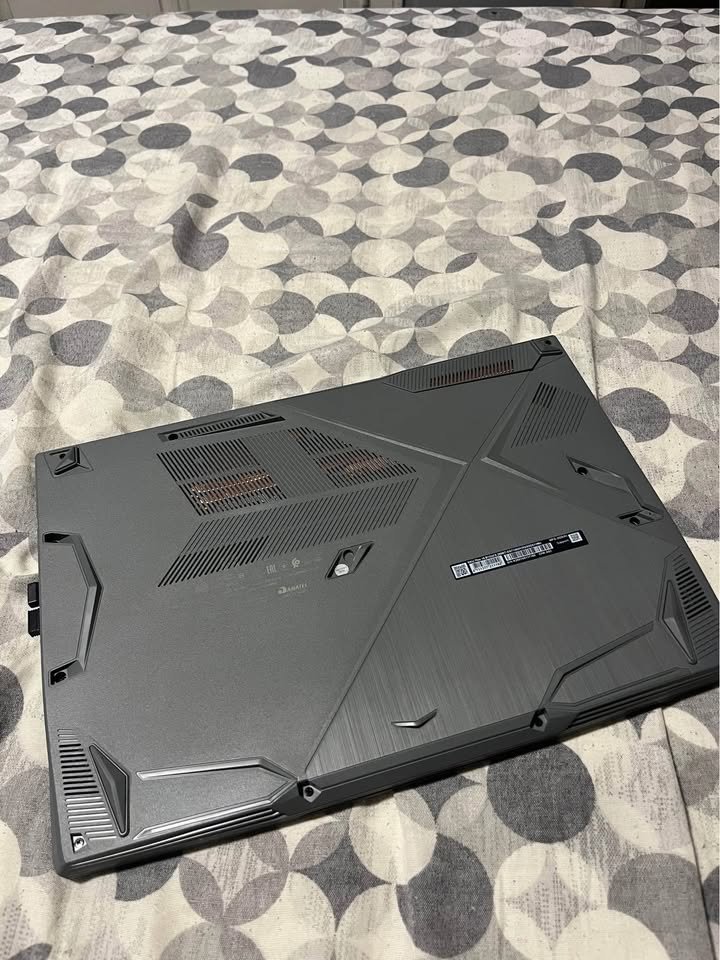
Gaming performance is coming out fairly good. When using Cooler Boost 5 cooling in Turbo mode, games are running smoothly with consistent frame rates. But for ray tracing, we are not recommending to enable it on native QHD resolution. There is risk of dropping below 40 FPS and also GPU will get pushed till its thermal limit. Better you run ray-traced games on 1080p with DLSS upscaling, then you can enjoy it comfortably.
One thing which impressed me on MSI Katana is, the QHD display is making clear visible difference in visual clarity, not only in gaming but outside also. So I thought to try photo editing also, just to check if display will give colour accuracy which I am usually looking for. I opened few RAW images and colours were looking vibrant and well-calibrated from starting itself. The 100% sRGB coverage with QHD resolution is making everything look much more sharper compared to FHD+ panels.
For checking how the laptop is handling long gaming sessions, we tried 2-hour Forza Horizon 5 session on High settings with DLSS on Quality. As per MSI Center recommendation, first we set performance mode to Extreme. After that, using Cooler Boost 5 on maximum fan speed, we started the game and let it run continuously. After 2 hours, thermals were controlled nicely, and more important thing, very consistent also. Without changing any setting in between, frame rates were stable throughout, around 55-60 FPS on native QHD only. Also the dedicated heat pipes are keeping keyboard area comfortable, so laptop itself was cool to touch also. Solid one.
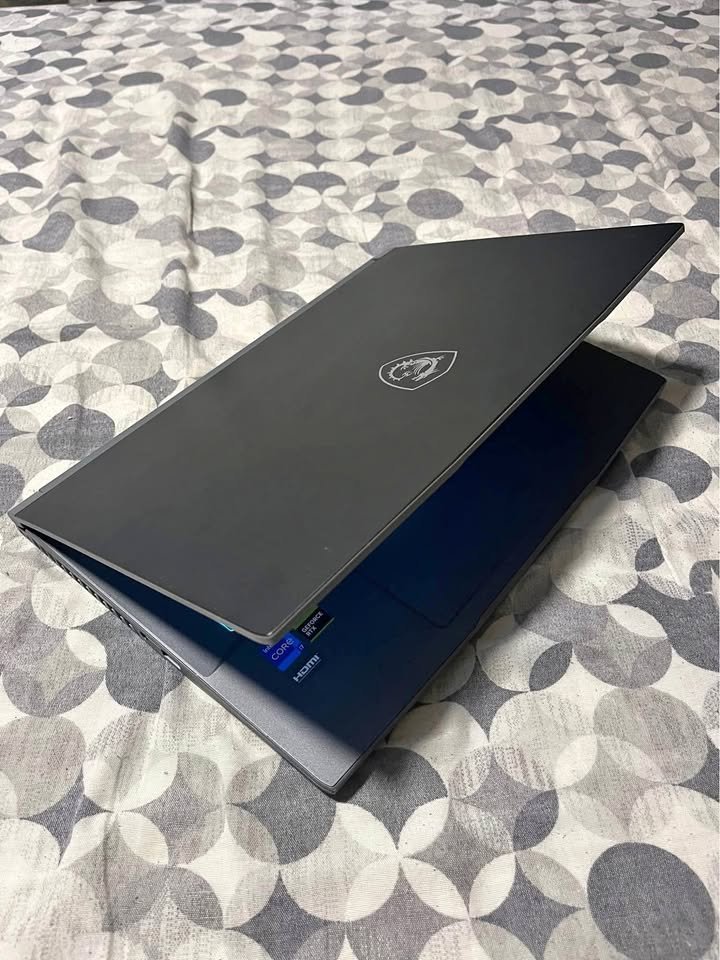
Overall the laptop is fairly easy for setting up and using. The storage problem can be setback for users who are having big game library. But this you can solve by adding one more M.2 SSD in the extra slot which is available.
Specs: MSI Katana 15
| Specification | Details |
| Processor | Intel Core i7-14650HX (16C/24T, up to 5.2GHz) |
| GPU | NVIDIA GeForce RTX 5050 8GB GDDR7 |
| RAM | 16GB DDR5-5600 |
| Storage | 512GB PCIe Gen4 NVMe SSD |
| Display | 15.6″ QHD (2560×1440) IPS, 165Hz |
| Battery | 75Whr |
| Weight | 2.4 kg |
| OS | Windows 11 Home |
| Performance Rating | 9.2/10 |
| Value Rating | 9.3/10 |
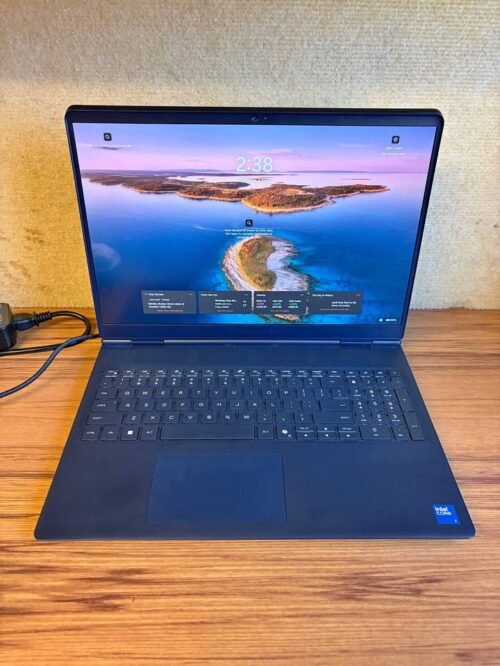
06. Alienware 16 Aurora Intel Core 7 240H with RTX 5050
—
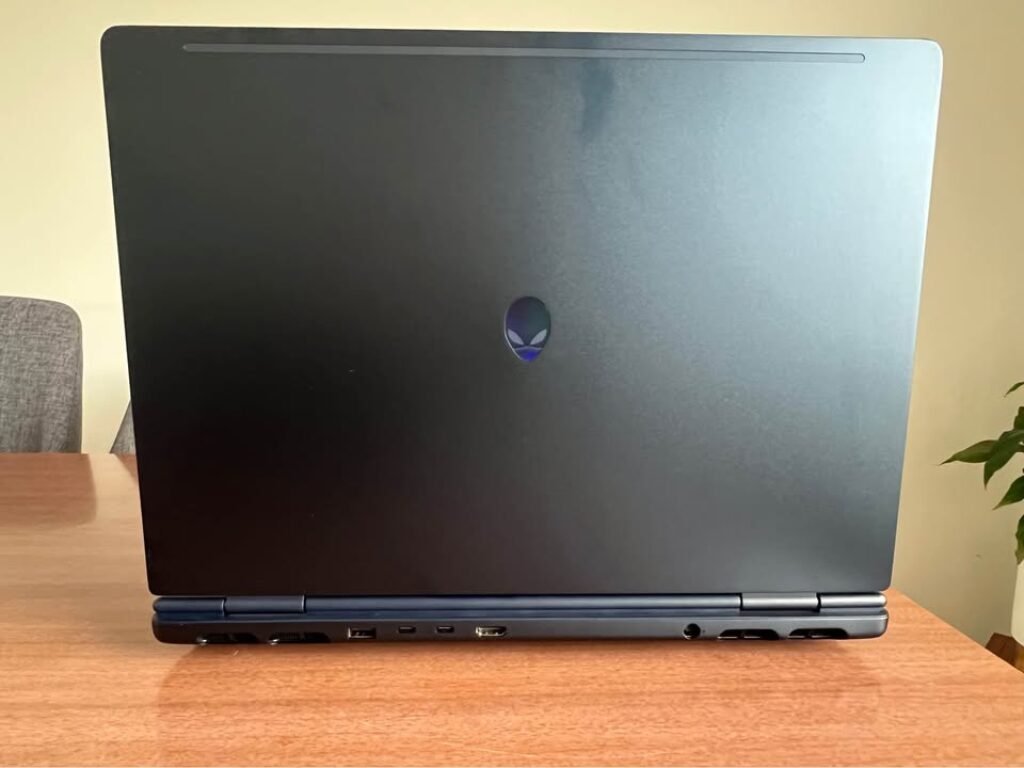
The Alienware 16 Aurora is coming with Intel Core 7 240H processor having 10 cores, and one 96 Wh battery is also there. Main advantage here is, you are getting the legendary Alienware build quality and the design. The WQXGA display with 16:10 aspect ratio is giving extra screen area for the work and games both.
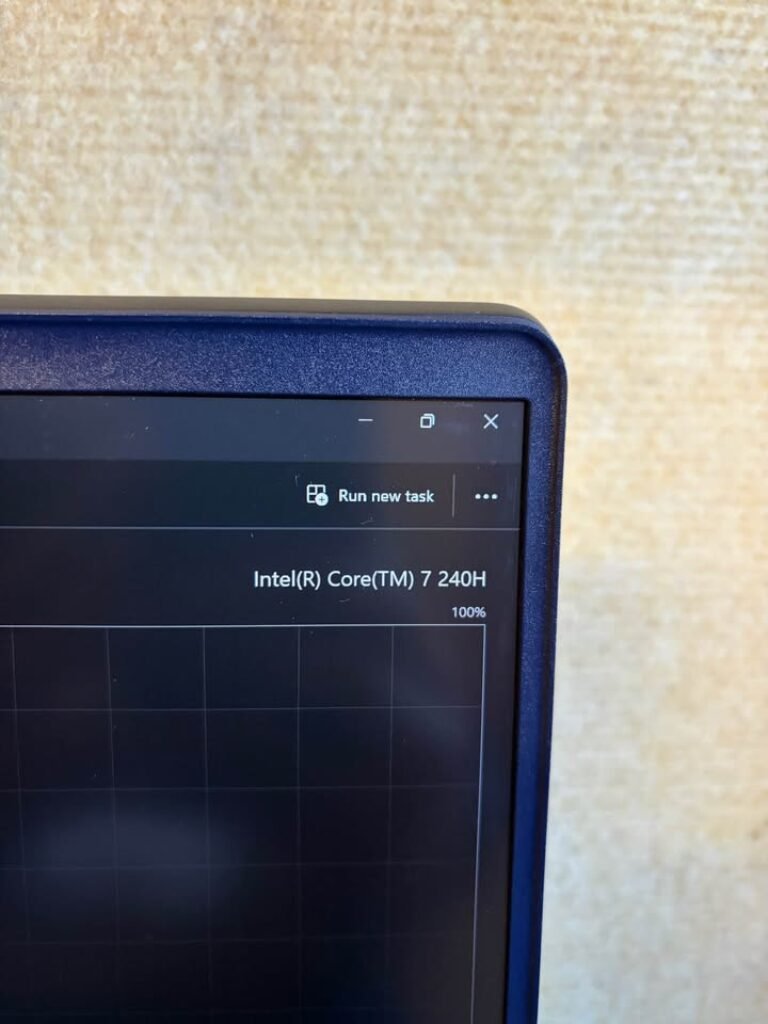
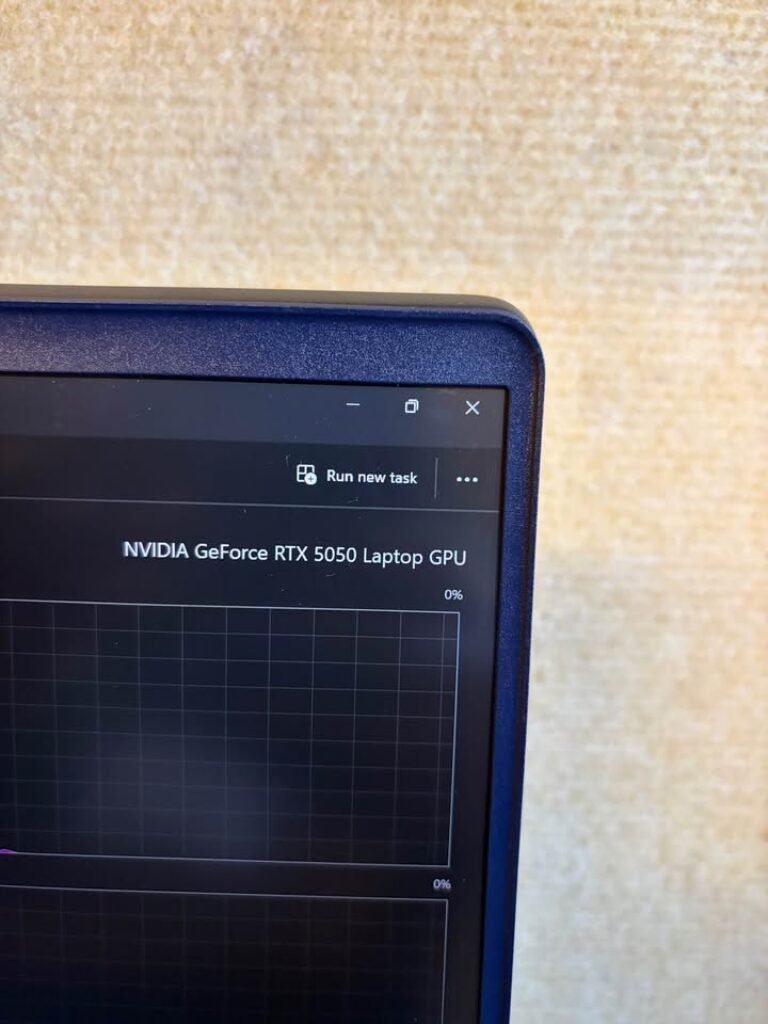
This laptop has the RTX 5050 with 6GB GDDR6 memory. Since it is previous generation GPU, so it cannot match the raw performance of RTX 5070 or 5080. Same like every other laptop in this list, the display is supporting 100% sRGB and also having anti-glare coating on it.
Coming to the performance part, because of the older RTX 5050 GPU, it is lagging behind from the newer RTX 5080 and 5090 ones. As an example, in Cyberpunk 2077 on High settings without ray tracing, it was giving around 70 to 75 FPS only on average. Due to this reason, there is high chance that you have to lower the settings in most demanding 2025-2026 titles. When we did try some demanding games, we noticed that we have to drop till Medium settings only then smooth frame rate is coming. The competitive esports titles, those are running fine on high FPS. But when graphically heavy open-world games are there, it was struggling to hold 80 FPS, which thing we did not face in RTX 5060 laptops.
Other options are having functional and gamer type design, but in Alienware, the looks are more premium and professional feeling. However, the 2.57 kg weight is making it less portable, so you must keep this point in mind while you are commuting daily.
Same like the Dell G15, the Alienware also has display which is capping at 120Hz refresh rate only. So when you are playing competitive shooter games where high refresh rate is mattering a lot, it is not feeling that much fluid like the 165Hz options, and this is one limitation only.
I have loaded the Cyberpunk 2077 on High settings and let it run for the 20 minutes. As per Alienware Command Center recommendation, I manually putted the performance profile into High Performance mode. In just less than 10 minutes only, the thermals got stabilized and laptop was running smooth. I got impressed with the quiet fan noise also, specially the Alienware was keeping the decibel level much more lower than the HP Omen in same kind of load.
After this, I tested the battery life on casual gaming. I am one believer that gaming laptops should also work as productivity machine, but problem is, when I used other gaming laptops for the office work, battery is dying only within 3 to 4 hours.
I used this laptop on balanced mode and screen brightness was kept at 60%. The 96 Wh battery is lasted nearly 7 hours for web browsing, document editing and the light coding work. I have checked the battery stats and the efficient Core 7 processor was handling light tasks without even activating the discrete GPU. I just left the laptop on one YouTube playlist and to my full satisfaction, it ran almost 8 hours, which is really impressive thing.
The battery performance was best one in this whole lineup, the 96 Wh cell really proved its value for the users who need one laptop that can transition between the home gaming and on-the-go productivity also.
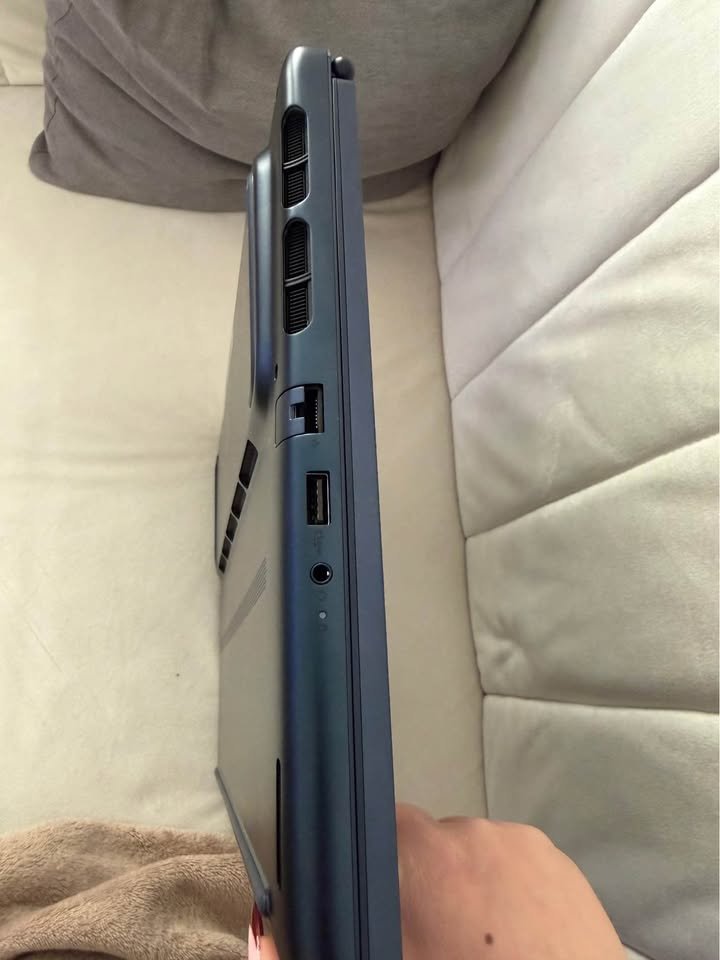
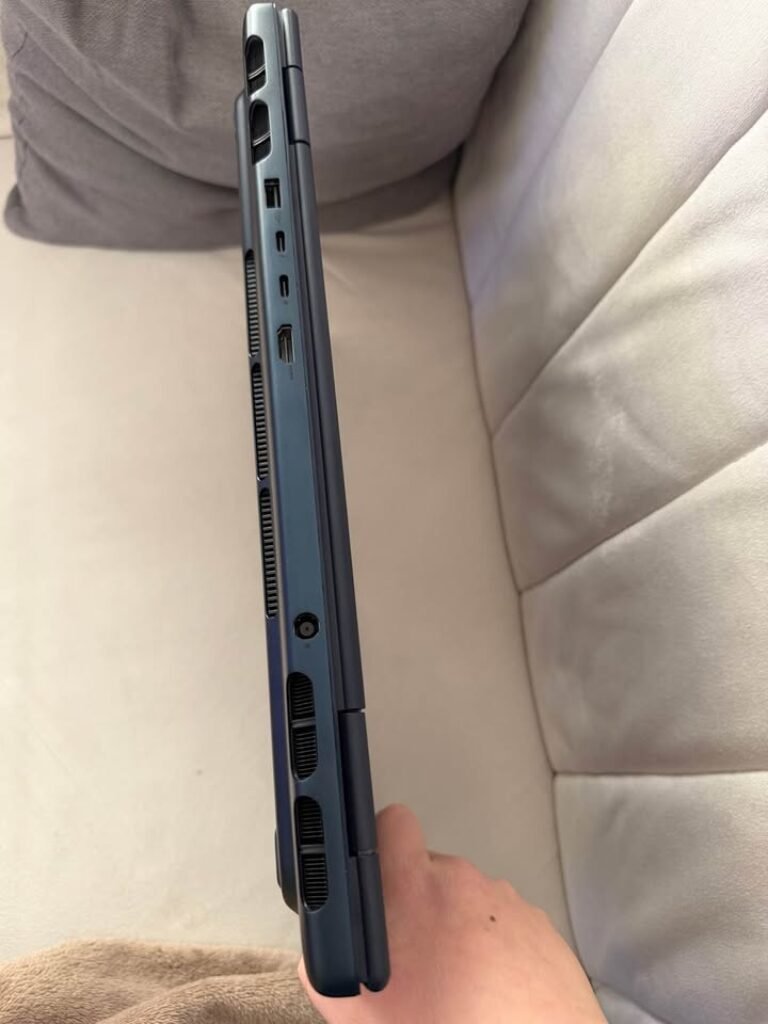
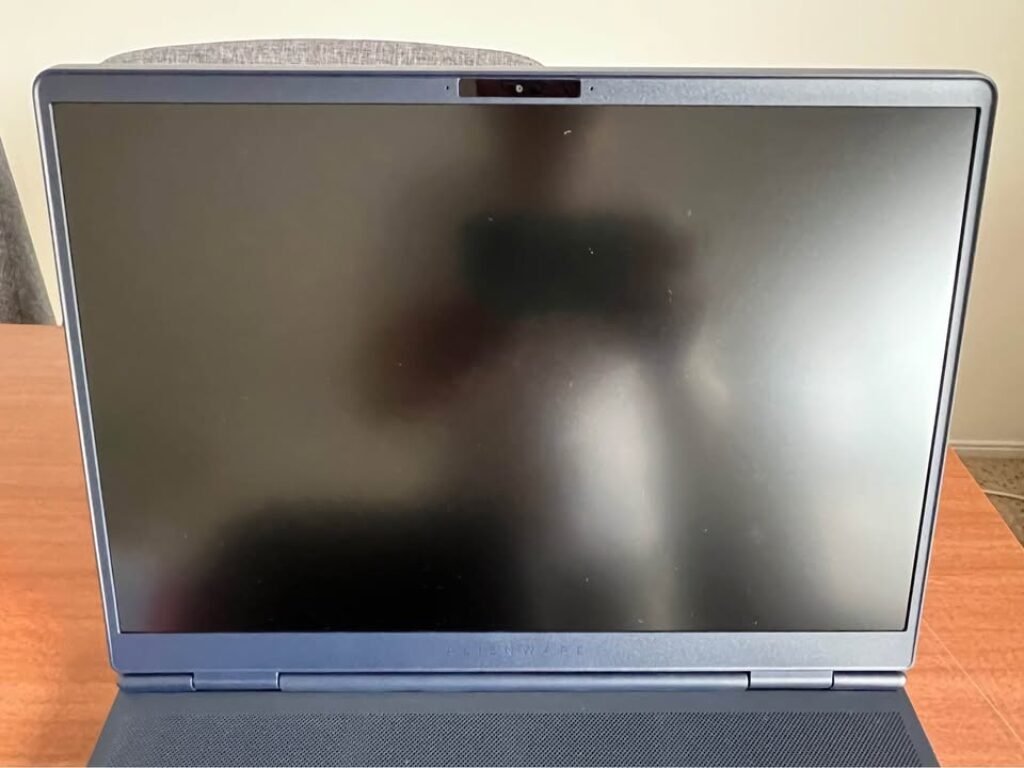
Overall, if we talk about the raw gaming performance only, then it is lagging behind from the RTX 5060 options.
Specs: Alienware 16 Aurora
| Specification | Details |
| Processor | Intel Core 7 240H (10C, up to 5.2GHz, 24MB cache) |
| GPU | NVIDIA GeForce RTX 4050 6GB GDDR6 |
| RAM | 16GB DDR5-5600 (2×8GB, upgradeable to 32GB) |
| Storage | 1TB SSD |
| Display | 16″ WQXGA, 120Hz, 300 nits, 100% sRGB, ComfortView Plus |
| Battery | 96Whr |
| Weight | 2.57 kg |
| OS | Windows 11 Home + MS Office Home & Student 2024 |
| Performance Rating | 8.9/10 |
| Value Rating | 8.7/10 |
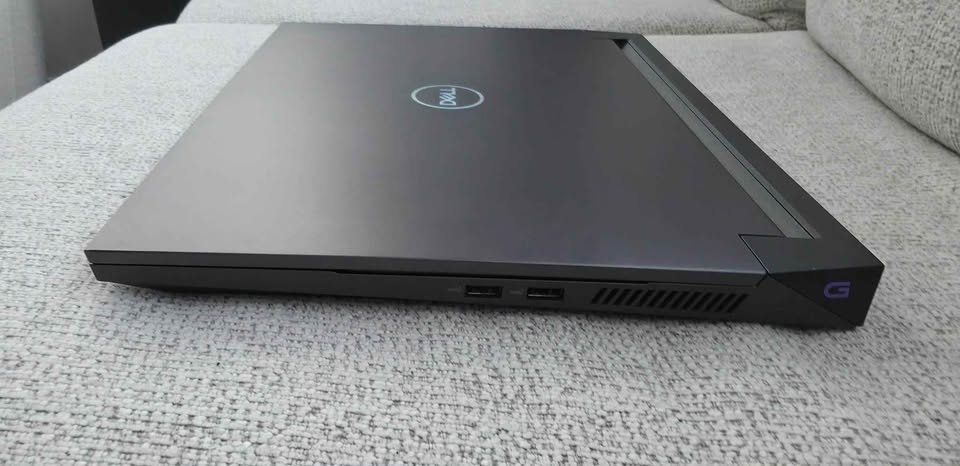
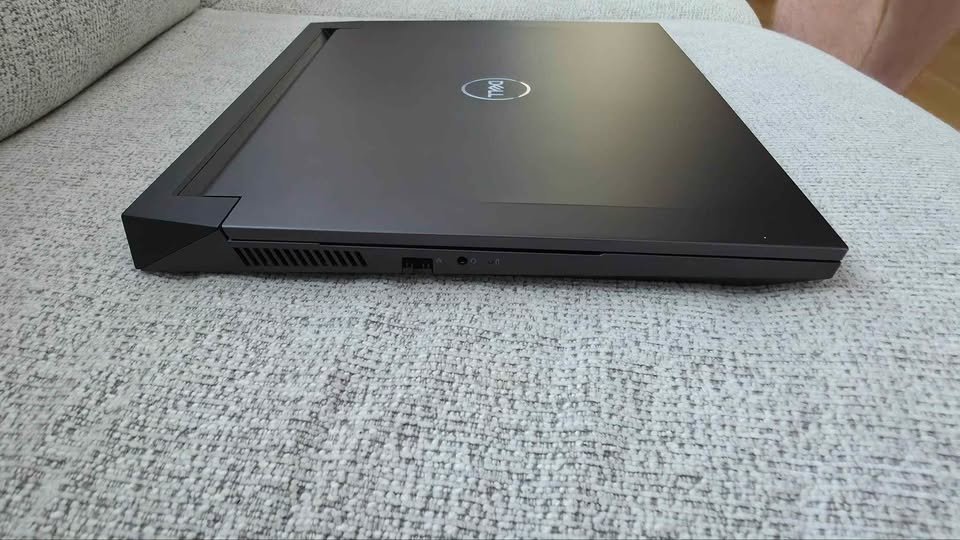
07. Dell G15-5530 Core i5-13450HX with RTX 3050
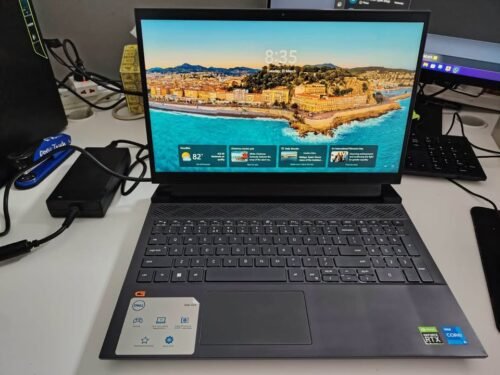
Dell G15-5530 is keeping position as most budget-friendly one in this list at ₹84,990. It is coming with Intel Core i5-13450HX processor and RTX 3050 6GB GDDR6 GPU inside. Even though price is much cheaper than other options, still you can play most esports titles comfortably on high settings only. But please note, this laptop is using 13th gen processor and GPU which is two generation old.
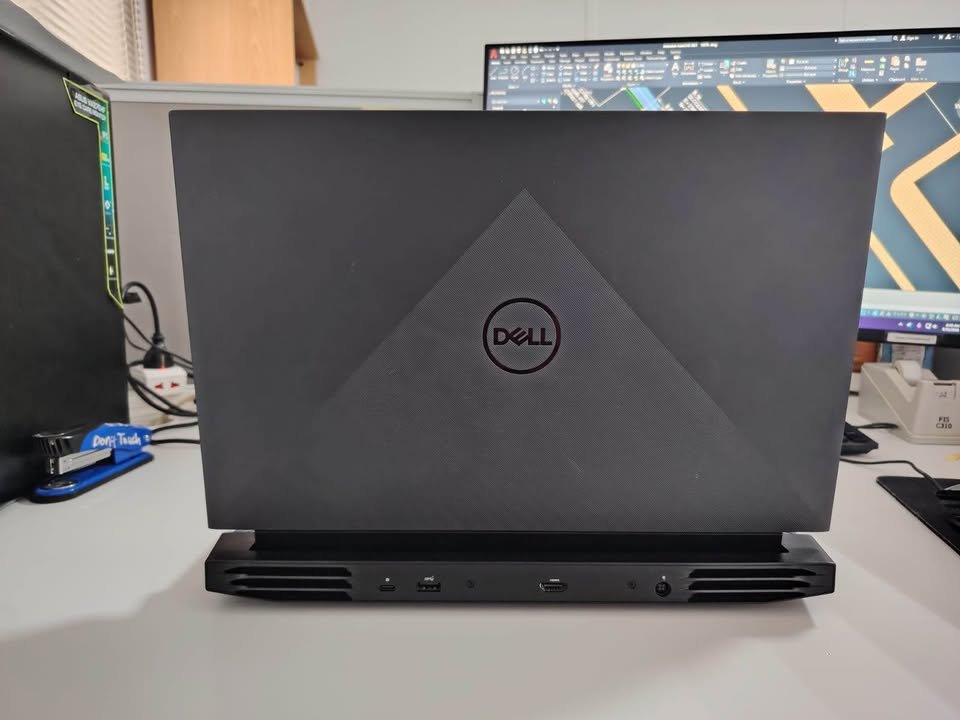
One thing to be noted here, unlike previous options of this list, this laptop is not having any AI-powered performance optimization software. Only Dell’s standard power management is there. Otherwise you are on own your self, and have to depend on manual tweaking and online guides for getting optimal game settings.
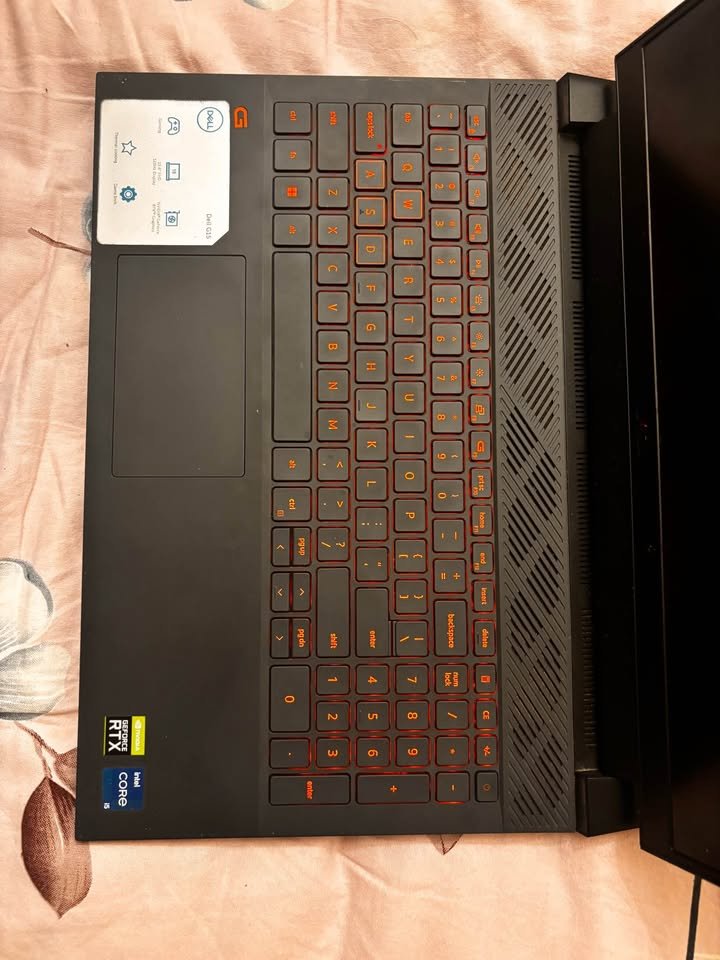
The gaming performance is adequate enough for esports and old AAA titles also. On medium settings, games like Valorant and CS2 is running smoothly at 120+ FPS easily. But when coming to demanding 2025-2026 titles, we are recommending not to try Ultra settings. There is risk of dropping below 30 FPS, and laptop will also struggle with thermal management problem. Better you can run such games on Low to Medium settings only, then you will enjoy at playable frame rates.
One thing that surprised to me about this budget laptop is, the 1TB SSD and 16GB DDR5 RAM is making everyday productivity feel snappy and responsive type. So I decided to use it as daily driver for one week, to check whether overall experience is justifying the price or not. I was running multiple Chrome tabs, VS Code, Spotify and Discord all together same time, and laptop handled all this without any slowdown noticeable. The i5-13450HX proved itself more than capable for multitasking work, and DDR5 memory was keeping things responsive only.
For checking how laptop is handling a graphically moderate game, we decided to try Forza Horizon 5 on Medium settings. Following the common optimization guides, first we set render scale to 100% on native 1080p resolution. Then ray tracing we disabled, and DLSS we set to Performance mode. After 30 minutes the game was running at steady 50-55 FPS, and more important thing is, consistently it was running. Even not having latest GPU architecture, still it was adequately playable, textures and environments also looking decent on medium settings. Plus the 1TB SSD is making sure fast load times between the races. Acceptable for this price range.
Overall, this laptop is fairly easy for using and setup. The not having of modern GPU maybe a setback for enthusiast peoples who want to play latest titles on high settings. But this you can overcome by doing graphics settings adjustment, and using tools like DLSS wherever it is supported.
Specs: Dell G15-5530
| Specification | Details |
| Processor | Intel Core i5-13450HX (10C, up to 4.6GHz) |
| GPU | NVIDIA GeForce RTX 3050 6GB GDDR6 |
| RAM | 16GB DDR5-4800 (upgradeable to 32GB) |
| Storage | 1TB PCIe NVMe M.2 SSD |
| Display | 15.6″ FHD (1920×1080) WVA, 120Hz, 250 nits, Anti-Glare |
| Battery | 56Whr, 3-cell |
| Weight | 2.65 kg |
| OS | Windows 11 Home + MS Office Home 2024 |
| Performance Rating | 8.5/10 |
| Value Rating | 9.7/10 |
How We Are Testing the Gaming Laptops
It is taking a deep analysis to place a gaming laptop on this list, and that too below 1.5 Lakh, such as using the laptop to do long hours gaming sessions, doing the performance benchmarks, checking the thermal behaviour, and also seeing the build quality, gaming launch time and long-term value also.
Gaming Benchmarks – I measured the gaming performance of every laptop with the help of one standard suite of titles, which is covering the light esports games, the mid-level open-world games, and also the heavy AAA releases. I note down the average fps, the 1% lows, and the GPU and CPU temperatures on the continuous load for 60 minutes time.
Thermal Tests – This one test I cannot skip on any device. I am testing the thermal behaviour of every laptop on each performance mode one by one. Because of its objective data about the cooling efficiency, this thermal test is giving big impact on the judgement of real-world sustained performance. I am mentioning this because many times it is happening that one laptop is showing very good benchmark numbers for first 10 minutes but after that it is dropping suddenly due to the thermal throttling problem.
Display Quality – I measured the brightness in nits, the color gamut coverage (sRGB), and also the response time for every display. This testing is making our guide different from other guides which are only depending on the company claims.
Battery Life: I performed one standard battery backup test at 50 percent brightness with Wi-Fi on, doing the cycle of web browsing (20+ tabs open) and video playing on YouTube, so that I can measure the real world battery backup rather than just believing what the manufacturers say.
Build Quality: I have inspected the chassis stiffness, hinge strength, keyboard travel and typing feel, touchpad response, and even the location of the thermal vents.
Price versus Value Ratio – This one is maybe the most important parameter, specially when we are seeing that many gaming laptops at ₹1.5 lakh are priced high only because of brand name, not because of the actual hardware value. Also there are many cheap gaming laptops which are using low-wattage GPUs, which are basically the weak version of the same GPU name only.
Real-Life Conditions – For collecting the best possible information and to test the gaming laptops in more accurate way, I am taking the help from my colleagues also. My brother is helping me to test the gaming performance on competitive titles, mainly because he is playing these games on daily basis. His feedback is meaning a lot for me; it is very deep. He can truly feel the difference between one smooth 120fps session and one throttled session.
Important factors which you should consider while choosing a gaming laptop for yourself
GPU (Graphics Card)
The GPU is the first and most important thing what you need to look at when buying a gaming laptop. One RTX 5060 GPU is having 8GB GDDR7 memory and it can give around 60-80 FPS in heavy AAA titles on 1080p Ultra setting. This much is enough for playing most of the current and upcoming games in comfortable manner. The performance of GPU becomes more important specially when you are playing those graphic-heavy games which are having ray tracing, high-resolution textures and complex lighting effects.
NVIDIA is also selling RTX 5050 and RTX 4050 GPUs in the same price segment. They are giving comparatively less performance, but still it is sufficient enough for esports titles and old AAA games on High setting. If your requirement is only a budget gaming laptop for casual gaming and esports, then RTX 3050 or RTX 4050 GPU will fulfill your need easily. For a deeper comparison, see our RTX 4060 vs GTX 1650 for video editing and gaming.
Processor
Almost every gaming laptop in this range is coming with processors which can boost upto 5.0 GHz or even more. But the number of cores and threads is playing one important role in deciding how nicely the laptop is doing multitasking and handling those CPU-heavy games. If the core count is lesser, then more chances are there that you will face stuttering in modern titles. Because of this the game is running with inconsistent frame times during long sessions. As a result of this, chances of micro-stutters and reduced performance in CPU-bound situations becomes more.
Ideally one mid-range gaming laptop should have minimum 8-core processor like the Ryzen 7 260, and one high-performance gaming laptop must have 16-core processor like the i7-14650HX, so that it can handle demanding games and multitasking without doing bottleneck to the GPU. Still deciding? Read our breakdown on Ryzen 7 vs i7 for gaming laptops.
Display
Gaming laptops in this segment normally are coming with 15.6 to 16 inch displays which are having 144Hz to 165Hz refresh rates. Sometimes even QHD resolution is also there depending upon the model. So before buying any gaming laptop, you must think what type of games you are mostly playing. Also, since it is a portable device, the brightness levels are varying from 250 to 400 nits. Therefore please see that the brightness is enough for your normal usage environment. If the laptop is having QHD display, then it will demand more from the GPU for native-resolution gaming. The ASUS TUF F16, even after having an RTX 5060, is choosing FHD+ only, so that frame rates can get more priority than the resolution.
Thermal Management
Thermal management is one important point to consider, mainly for long gaming sessions. Ideally you should go for that laptop which is having dedicated heat pipes for both CPU and GPU, same like ASUS TUF F16 or MSI Katana 15 with Cooler Boost 5. One more important thing is, how easily you can adjust the fan curves and performance modes to make balance between noise and thermals.
Most of the gaming laptops are coming with software utilities like Armoury Crate, MSI Center or Lenovo Vantage, by which you can control fan speed and performance profiles. So when the thermals are going up, you can quickly shift to one more aggressive cooling profile. Without proper thermal management, chances of thermal throttling becomes more, which is reducing the clock speeds of GPU and CPU. But options like ASUS TUF F16 and Lenovo Legion 5 are having advanced cooling solutions with multiple heat pipes and big exhaust vents. Because of this, even under continuous load, the laptop is able to maintain its peak performance without much throttling.
Almost all gaming laptops are having elevated rear hinges or bottom intake vents for proper airflow. Since the cooling system is already inbuilt, you will not face much problem in maintaining thermals on one flat surface. Most of them are getting benefit from a laptop cooling pad also. But our recommendation is to invest in one only if you are planning to do gaming for long sessions which are crossing 2-3 hours on regular basis.
Build Quality and Portability
These days, the most of gaming laptops are having weight between 2.1 to 2.65 kg and thickness is around 20-25mm only. Mostly they come with mixture of plastic and metal body. Premium ones like Alienware and Lenovo Legion are giving better build quality because of metal chassis and also MIL-STD-810H certification is there. Budget friendly options is having full plastic body with some metallic touches, which is not so much durable normally. One more thing, heavy gaming laptops can become problem for daily travel to office or college. So if portability is matter for you, then go for options near 2.2-2.3 kg, for example Lenovo Legion 5 or ASUS TUF F16.
Price
The starting price of gaming laptops in this segment is from Rs. 84,990 only. Costly models are giving better GPU, display, build and also thermal management is good, but cheaper ones mostly missing these things. Also budget gaming laptops can have low-resolution display and old generation GPU, but still esports titles are running fine on them. The GPU limitation you can solve by reducing graphics settings and turning on technologies like DLSS or FSR. Try to invest in best GPU which your budget is allowing, because GPU is having most impact on gaming performance compared to other parts.
Battery Life
Gaming laptops should have enough battery for doing basic productivity work when power socket is not available nearby. The batteries are coming from 56 Wh to 96 Wh in this segment only. Good thing is, most of the gaming laptops in India is supporting fast charging also. The Alienware 16 Aurora with 96 Wh battery is giving best battery backup, and Dell G15-5530 with 56 Wh is giving lowest one. For peoples who is travelling more frequently, also see those laptops which is supporting USB-C Power Delivery charging, like Lenovo Legion 5 and Lenovo LOQ, because they can charge from small USB-C adapter only.
After-Sales Service and Warranty
If you are first time buying gaming laptop, then better to choose brands like Lenovo Legion, because they are giving onsite warranty and also accidental damage protection together. Or you can go for ASUS and HP options, they are having big service network across country. Otherwise, please check online for service centre locator and confirm one is there in your city or not. Depending only on courier-based service is not convenient thing for a product which you are using daily.
Side-by-Side Comparison: 7 Best Gaming Laptops Under 1.5 Lakh
| Lenovo LOQ | HP Omen 16 | Lenovo Legion 5 | MSI Katana 15 | Alienware 16 Aurora | ASUS TUF F16 | Dell G15-5530 | |
| Processor | Ryzen 7 250 | i7-14650HX | Ryzen 7 260 | i7-14650HX | Core 7 240H | i7-14650HX | i5-13450HX |
| GPU | RTX 5060 8GB | RTX 5060 8GB | RTX 5050 8GB | RTX 5050 8GB | RTX 4050 6GB | RTX 5060 8GB | RTX 3050 6GB |
| VRAM | 8GB GDDR7 | 8GB GDDR6 | 8GB GDDR7 | 8GB GDDR7 | 6GB GDDR6 | 8GB GDDR7 | 6GB GDDR6 |
| RAM | 24GB DDR5 | 24GB DDR5 | 16GB DDR5 | 16GB DDR5 | 16GB DDR5 | 16GB DDR5 | 16GB DDR5 |
| Max RAM | 32GB | 32GB | 32GB | 64GB | 32GB | 64GB | 32GB |
| Storage | 1TB NVMe | 1TB NVMe | 1TB NVMe | 512GB NVMe | 1TB SSD | 1TB SSD | 1TB NVMe |
| Display Size | 15.6″ | 16″ | 16″ | 15.6″ | 16″ | 16″ | 15.6″ |
| Resolution | 1920×1080 | 1920×1200 | 1920×1200 | 2560×1440 | 2560×1600 | 1920×1200 | 1920×1080 |
| Refresh Rate | 144Hz | 165Hz | 165Hz | 165Hz | 120Hz | 165Hz | 120Hz |
| Brightness | 300 nits | 400 nits | 300 nits | 300 nits | 300 nits | 300 nits | 250 nits |
| Battery | 60Whr | 83Whr | 80Whr | 75Whr | 96Whr | 90Whr | 56Whr |
| Weight | 2.4 kg | 2.43 kg | 2.1 kg | 2.4 kg | 2.57 kg | 2.2 kg | 2.65 kg |
| Thunderbolt 4 | No | No | No | No | No | Yes | No |
| Wi-Fi | Wi-Fi 6 | Wi-Fi 6 | Wi-Fi 6 | Wi-Fi 5 | Wi-Fi 6E | Wi-Fi 6E | Wi-Fi 6 |
| MIL-STD | No | No | Yes | No | No | Yes | No |
| OS | Win 11 Home | Win 11 Home | Win 11 Home | Win 11 Home | Win 11 Home | Win 11 Home | Win 11 Home |
| Performance Rating | 9.6/10 | 9.7/10 | 9.5/10 | 9.2/10 | 8.9/10 | 9.6/10 | 8.5/10 |
| Value Rating | 9.8/10 | 9.3/10 | 9.4/10 | 9.3/10 | 8.7/10 | 8.9/10 | 9.7/10 |
| Best For | Best Overall | Content Creators | Portability | Sharp Display | Premium Feel | Durability | Budget Buyers |
*ASUS TUF F16 is slightly above the ₹1.5 lakh budget.
Frequently Asked Questions
Gaming laptops which having RTX 5060 GPU is giving more high frame rates and ray tracing is also looking much better when you compare with RTX 5050 ones. If you are that kind of gamer who playing heavy AAA games on high setting, then RTX 5060 laptop is best choice for you only. But suppose you mostly play esports type games like Valorant or CS2, then RTX 5050 is doing enough job and price also less, so no need to spend extra. The difference in performance is coming around 15 to 25 percent, depend on which game and what setting you using, so for serious gamer it become worthy investment in long run.
Yes definitely it can do. This point is mostly important for students and also young working professionals those who wanting one single machine for gaming plus creative type work also. Some models in this list, mainly the HP Omen 16 and Lenovo LOQ, are doing very nice for video editing, photo editing and 3D rendering work because they having more VRAM, big RAM size and also display with wide colour gamut.
For content creation purpose, best gaming laptop is HP Omen 16 only, because it coming with 2K display, 100% sRGB, 400 nits brightness, 24GB RAM and RTX 5060 GPU inside. This combo is very good for creative softwares like Adobe Premiere, DaVinci Resolve and also Blender.
Choosing between 1080p and 1440p is depending mostly on how you doing gaming actually. For competitive type gaming where maximum fps is needed, the 1080p 144Hz or 165Hz display is best one, because GPU is not doing much hard work on lower resolution, so frame rate coming higher and also more stable. But for single player games where graphics quality is mattering more than fps, then 1440p display like the one given in MSI Katana 15 is feeling like real upgrade.
One interesting thing I noticed is, all 1440p gaming laptops which I tested in this price range, they are putting somewhat more load on GPU when running on native resolution, and because of this average fps is becoming little less compare to 1080p. So that means, some games actually running better on MSI Katana’s native 2560×1440 resolution only when DLSS upscaling is turned on, and this thing the RTX 5050 GPU is handling without much issue.
Conclusion
So we have talked about all the best gaming laptops under 1.5 Lakh which is available in India right now. Every machine is having its own good points and also some minus points also. If any doubt is there in your mind regarding which gaming laptop to select, kindly drop your question in below comment section and we will try to reply you back.